
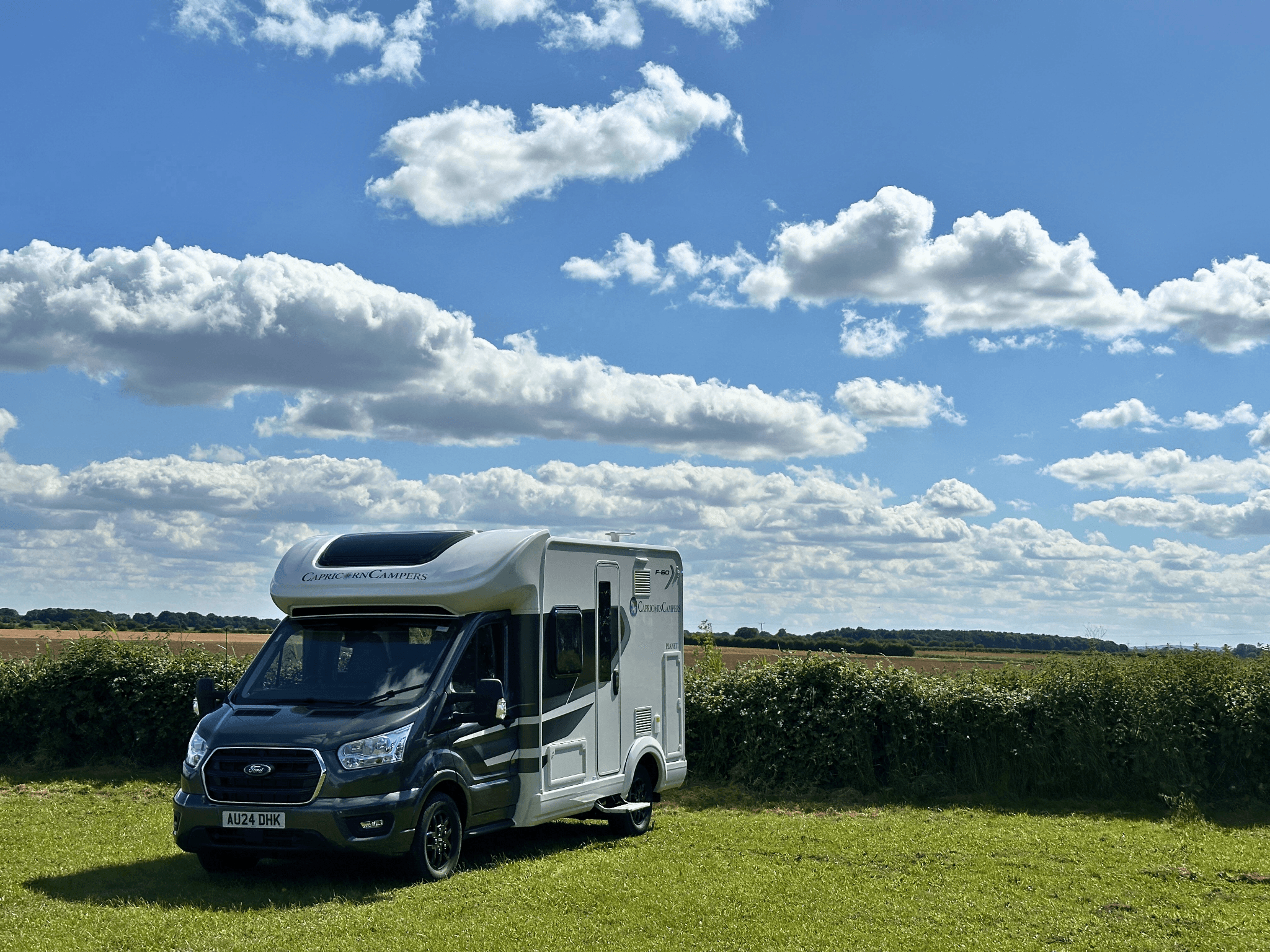
What You Can Do without a Signal
Set It up before You Set Off
A quick download from your settings. The app switches to offline browsing automatically when there's no signal.
1
Open the App
Head to Menu › Offline Mode. Connect to Wi-Fi before you download.
2
Tap Download
The host directory and map data download together, so you've got everything you need offline. Around 110 MB total.
3
Browse Anywhere
Off you go. The app switches to offline browsing automatically when the signal drops.
WHERE IT MATTERS
Made for These Moments.
🌄
Mid-Valley, No Bars
Pulling into a Welsh farm shop at the end of a lane. Check instructions, find the entrance, no spinning wheel.
🍺
Plan B Nearby
Your first choice is full. Search the map for nearby hosts, sort by distance, work out your next stop without ever leaving the road.
🚐
Highlands and Headlands
Coast roads, glens, anywhere mobile coverage gets thin. The full directory comes with you.
View More


Offline Mode FAQs
Can I save new hosts while I'm offline?
Do host photos work offline?
What about trips and routes?
How does it stay up to date?